
Setup ↗ holds your own details, your company's settings and the administration. It is not in the sidebar.
Contents
How you get there
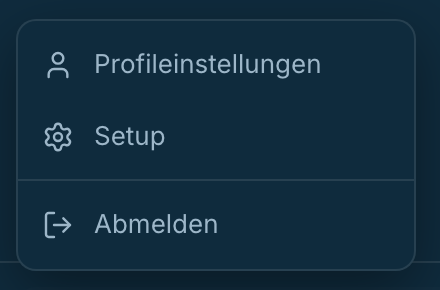
- Click your company name at the bottom left of the sidebar.
- Choose Profile settings or Setup.
Both lead to the same place. The third entry in the menu is Sign out.
The sub-navigation
A list sits on the left inside Setup. In full it looks like this:
| Entry | What for |
|---|---|
| Personal profile ↗ | your name, address, language and time zone |
| Notifications ↗ | which emails you get from inDeal |
| Email ↗ | connecting your mailbox and your signature |
| Company ↗ | company name and web presence |
| Performance & conversion ↗ | the benchmarks behind forecast and funnel |
| Lead import ↗ | reading leads in from a file |
| Layout ↗ | custom fields and sections for leads and deals, see Customizing the layout |
| Team ↗ | inviting and managing members |
| Workflows ↗ | automatic rules |
| Calendar ↗ | the template for calendar invitations |
| Integrations ↗ | connected services |
| Extension ↗ | the browser extension |
| Plans & Billing ↗ | credits and usage |
| Trash ↗ | deleted leads and deals |
| Blacklist ↗ | people and companies that are never contacted |
| Legal ↗ | company details and legal texts |
You do not see all of it
Which entries appear depends on your role.
With the Admin role you see all of them. With the Sales role you see four: Personal profile, Extension, Plans & Billing and Legal.
The other entries are not missing by accident. The role description says so outright: Sees and edits only their own leads. No import, no deleting, no mass updates, no setup, no blacklist changes, no API keys.
That holds for the address as well: anyone opening one of those pages directly without the permission ends up back on Setup. Hiding the menu entry is not enough - the boundary is enforced on direct access too.
What to check first
If you are new, in this order:
- Personal profile - are your name and time zone right.
- Company - is the company name right.
- Performance & conversion - do the benchmarks fit your business.
- Team - is anyone missing.