
When several people in your team connect their LinkedIn profile, each agent works on exactly one of them. inDeal makes sure no person is contacted from two profiles at the same time.
Contents
One agent, one profile
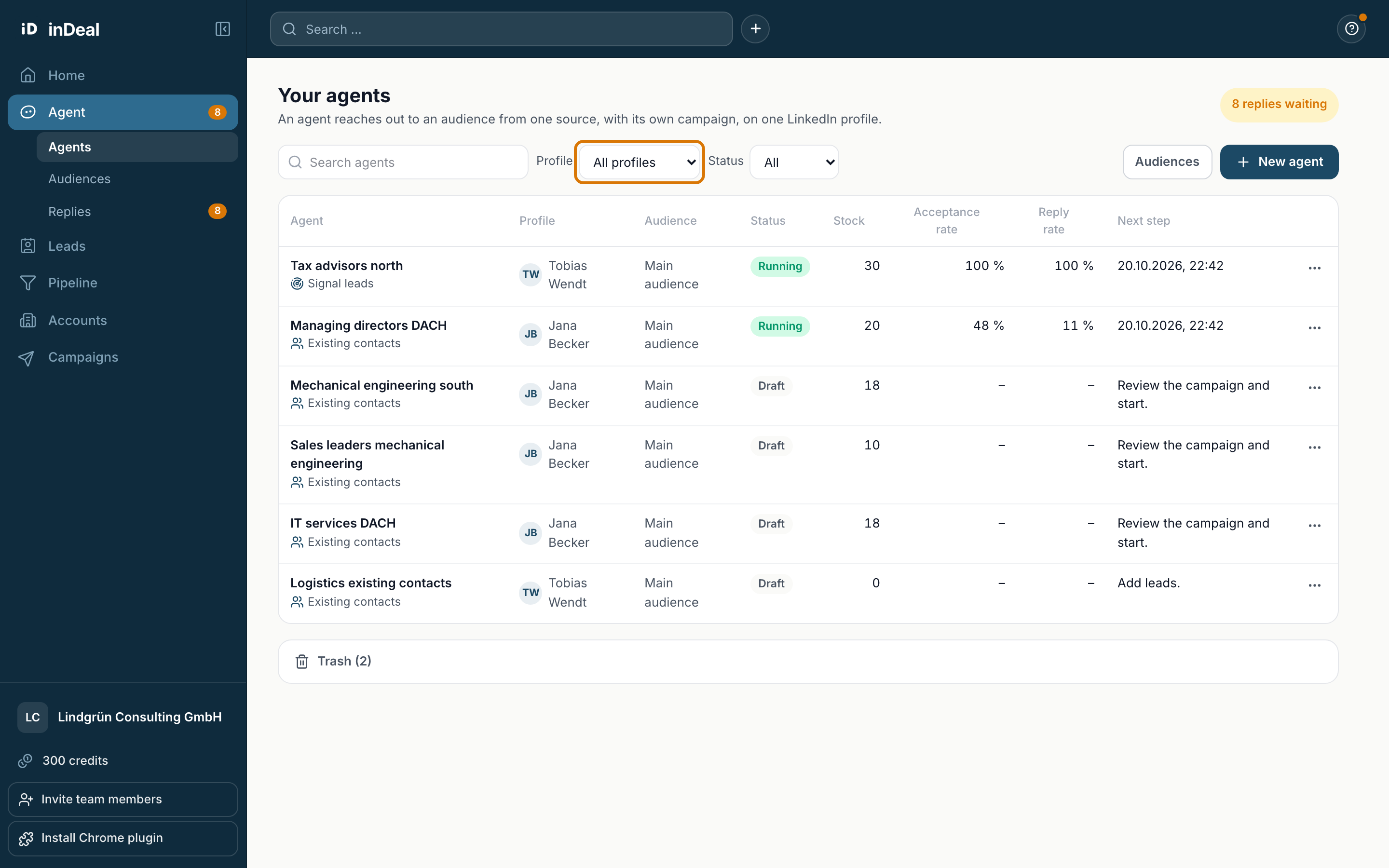
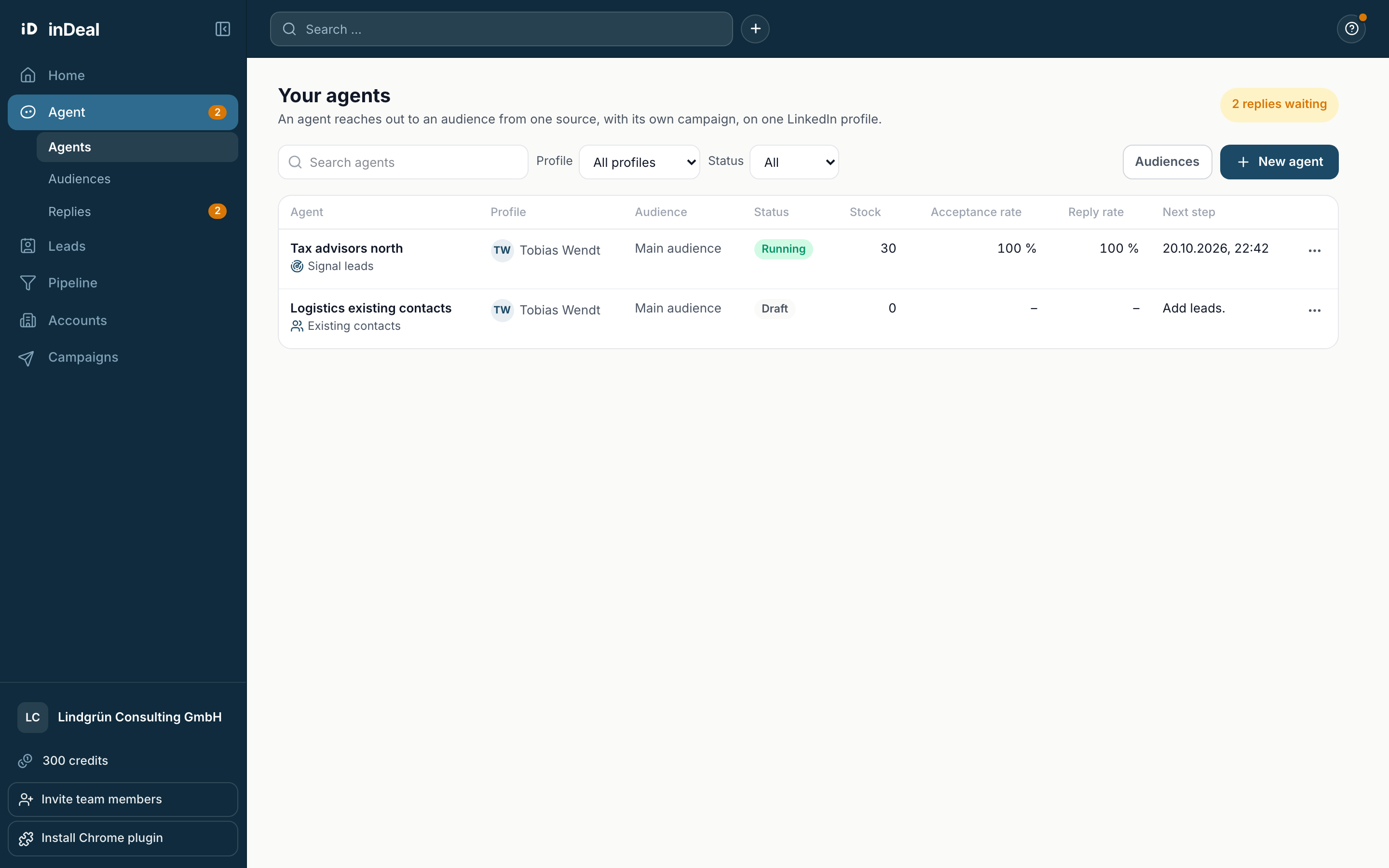
When you create an agent, you pick the LinkedIn profile it writes from. After that it stays fixed. In the Your agents overview the profile has its own column. The Profile filter shows only the agents of one profile.
Members see the agents of their own profile and drafts that have no profile yet. Admins see all agents of the account.
What members and admins can do
| Task | Member | Admin |
|---|---|---|
| Create a new agent | yes, on their own profile | yes, on any profile |
| Start, pause, change texts and settings | for agents of their own profile | for all agents |
| Approve replies, Try again | for agents of their own profile | for all agents |
| Add leads | for agents of their own profile | for all agents |
| Create and edit audiences | no | yes |
| Move a draft to trash | own drafts | all drafts |
| View trash and restore | no | yes |
If a member opens a colleague's draft, they see This agent runs on someone else's profile on your team. Only that person or an admin can continue.
In the replies, members only see replies that came in through their profile. If a link leads to a reply from another profile, they see This reply came in through a LinkedIn profile you do not have access to. An admin of your account can approve it.
No double outreach
inDeal checks in three places so that no person is contacted from two profiles:
- In the list: contacts already in a running agent are excluded. If a person is a first-degree contact of a colleague but not of yours, signal leads and new leads show them as connected to your colleague. Your colleague can message them directly.
- When taking over: each lead is checked once more. Skipped leads are listed with the reason in the dialog, for example already in a running agent.
- When sending: if the same person is in two running agents, only one writes. The other ends the outreach. If the other agent is paused, the step waits.
Limits per profile
Daily and weekly limits apply per LinkedIn profile. Two agents on the same profile share the limits. Profiles of different people each have their own limits. Details are in Start, working hours and limits.