
inDeal has three parts: the sidebar on the left, the top bar, and the work area between them. Once you know those three places, everything else follows.
Contents
- The sidebar
- Bottom left: your account and your company
- The top bar
- Setup
- Not everyone sees the same thing
- Next
The sidebar
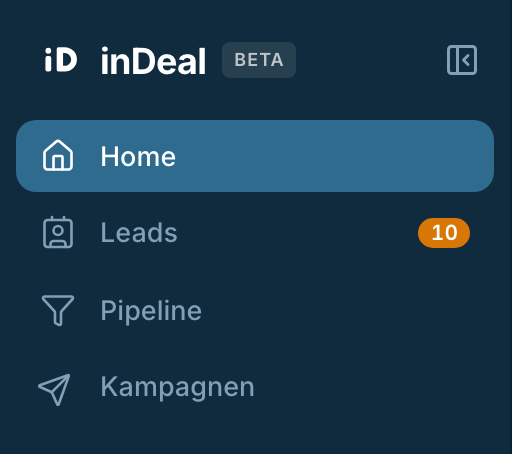
The sidebar holds four areas, always in this order:
- Home ↗ - what is due today and how the past weeks have developed.
- Leads - your work list up to the meeting, with the views Open leads ↗ and All leads ↗.
- Pipeline - your deals, with the views Open deals ↗ and All deals ↗.
- Campaigns ↗ - where your contacts came from and how many reacted.
A number can appear next to Leads and Pipeline. It counts what is overdue or due today. No number means nothing in that area is urgent.
The icon at the top right of the sidebar switches between Collapse and Expand. Collapsed, only the icons remain and the work area gets wider.
Once you have opened leads, Recently opened appears below with your latest records. That list only exists in the expanded state.
Bottom left: your account and your company
Your company name sits at the foot of the sidebar. Setup is not in the sidebar - it lives behind that company name. One click opens a menu with three entries:
- Profile settings
- Setup ↗
- Sign out
The first two lead to the same place. Below them you also find your balance in credits, the button Invite team members, and Install Chrome plugin ↗.
The top bar
Three things sit up there:
- The search field Search …. It searches Leads and Pipeline at the same time.
- The plus button. It opens New lead so you can add a contact by hand.
- The question mark. It opens the help menu.
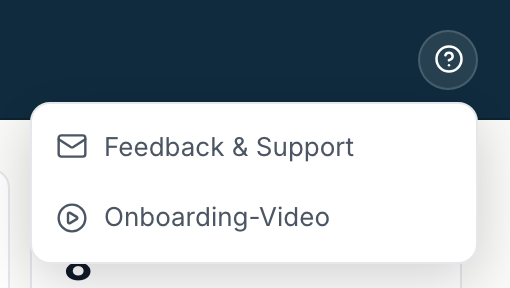
More on that under Getting help and support.
Setup
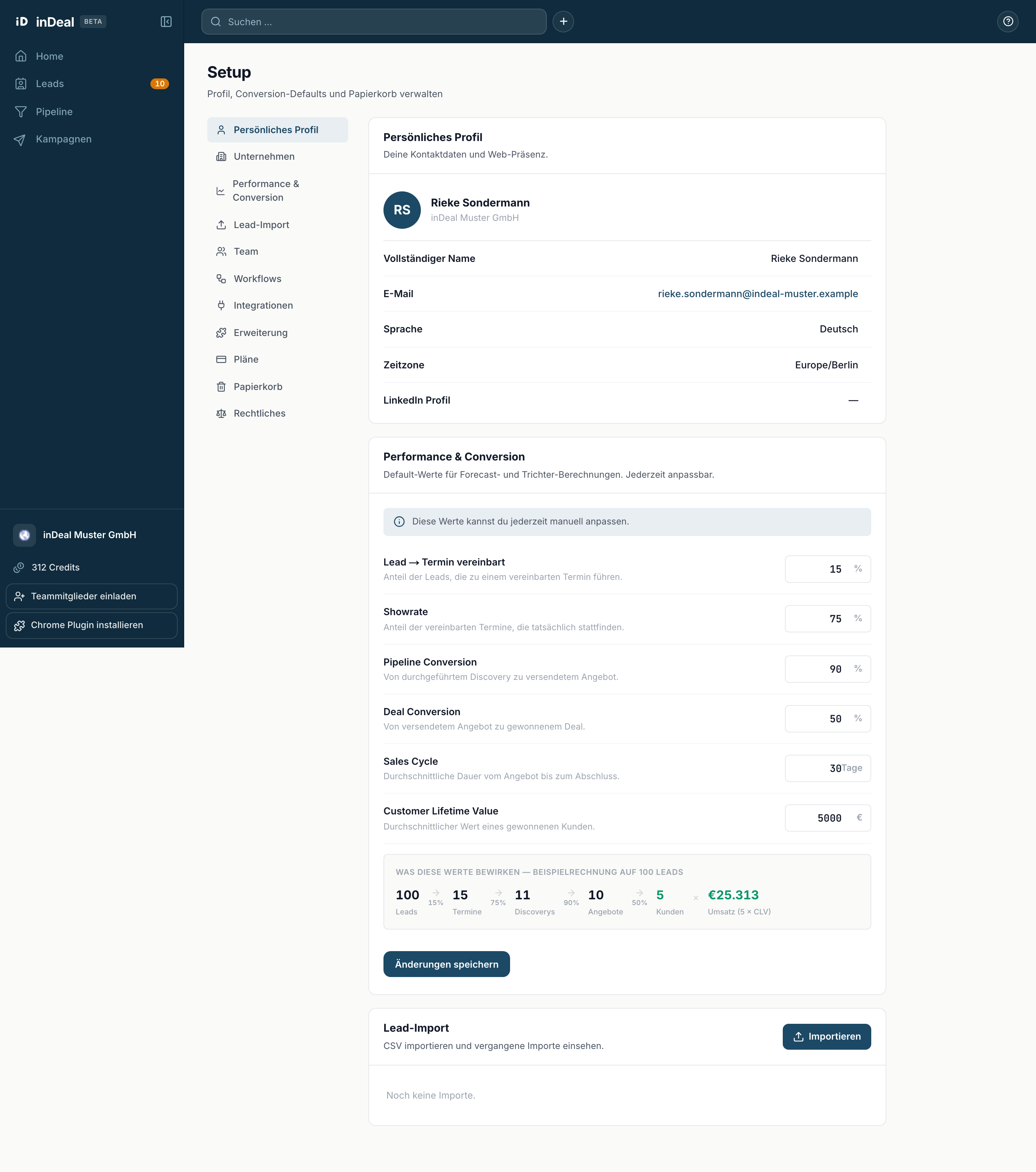
Setup holds your own details and your company's settings. The sub-navigation on the left leads to Personal profile ↗, Company, Performance & conversion ↗, Lead import ↗, Team, Workflows ↗, Integrations ↗, Extension, Plans & Billing ↗, Trash and Legal ↗, among others.
Not everyone sees the same thing
inDeal has two roles:
- Admin - full access to all records, import, mass updates, setup and team.
- Sales - sees and edits only their own leads. No import, no deleting, no mass updates, no setup.
With the Sales role, Setup shows only Personal profile, Extension, Plans & Billing and Legal. The other entries are not missing by accident, they belong to the Admin role. Whoever set up your account can tell you which role you have.