
On Free Credits ↗ you can get up to 1,600 credits for free, plus up to 500 credits per referral. You find the page in the profile menu at the bottom left (marked NEW) and via + Get free next to your balance in the sidebar.
Contents
Your status
At the top you see how many credits you have earned so far and what they are worth in euros. We count 1 credit = €0.245, which matches the Starter plan, shown rounded to whole euros. Below that you see how many of the seven actions are done and how many credits are still open.
Refer friends
Every account has its own referral link. Copy it or share it directly via LinkedIn, email or WhatsApp. You earn in two stages per contact, with no limit on the number of referrals:
| Stage | When | Credits |
|---|---|---|
| Stage 1 | Your contact signs up via your link | +100 for both of you |
| Stage 2 | Your contact pays the first regular month | +400 extra for you |
Good to know:
- The link remembers your contact for 30 days.
- The €5 trial fee does not count as a paid month.
- Each stage is granted exactly once per contact.
- Referrals within your own account or to an address with the same company domain earn no credits.
Below the link you see Clicks, Signed up and Credits earned.
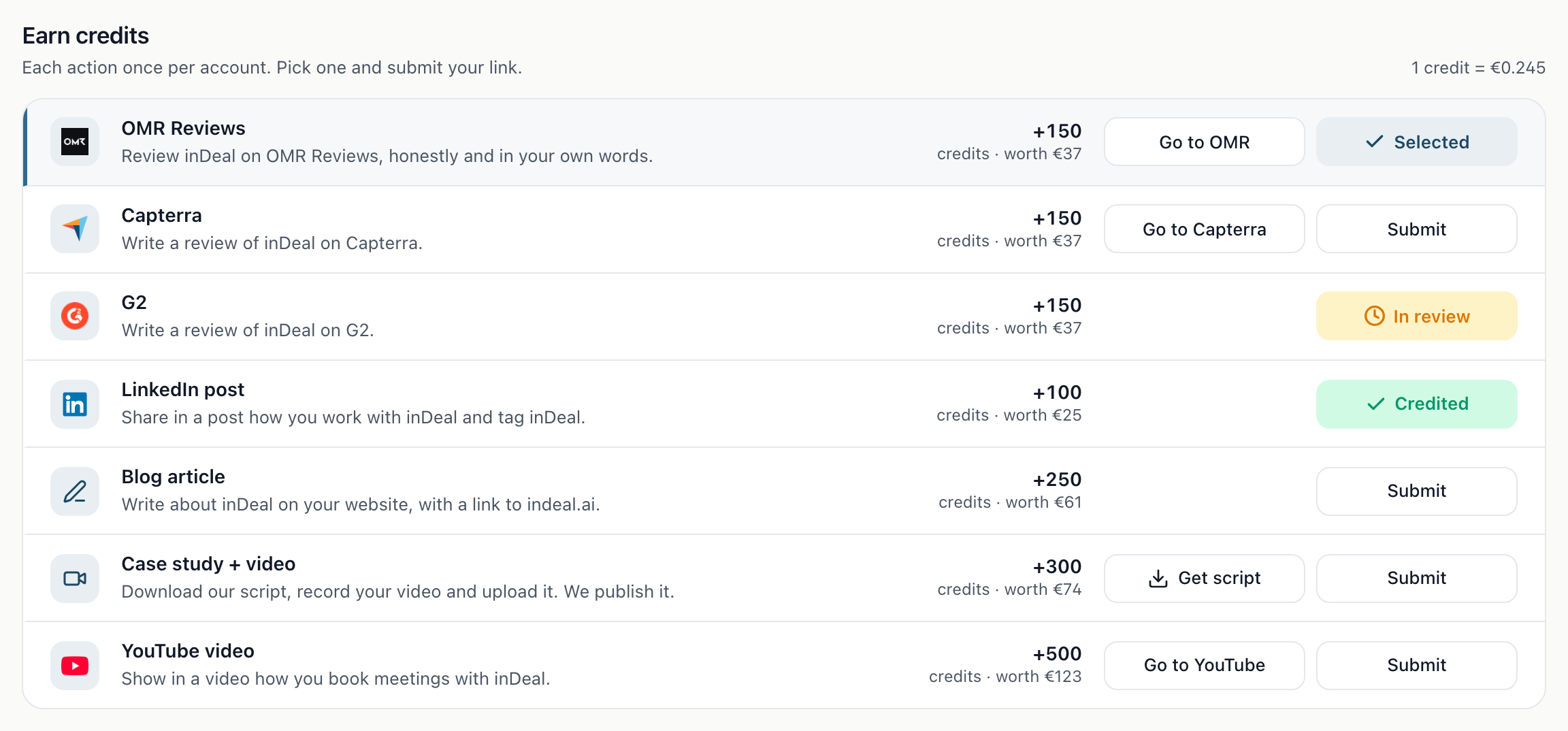
Earn credits
Each action counts once per account:
| Action | Credits |
|---|---|
| OMR Reviews | 150 |
| Capterra | 150 |
| G2 | 150 |
| LinkedIn post | 100 |
| Blog article | 250 |
| Case study + video | 300 |
| YouTube video | 500 |
Each card shows its status as a word: Open, In review or Credited. If a submission is rejected, the action is open again and you can send new proof. While a submission is still In review, please don't submit the same action again.
Submit proof
- Under Action, choose what you have done.
- Enter the link to your review or post. For a blog article, the article must be public and link to indeal.ai.
- If the post is not public yet, you can attach a screenshot (PNG, JPG or WebP, up to 10 MB).
- Click Send for review.
Each link can only be submitted once, across all accounts.
For Case study + video, first download our script and record your video. Then upload it (MP4 or MOV, up to 50 MB) or submit a link (YouTube, Google Drive, Vimeo or similar). By submitting, you allow us to publish the video.
How we check
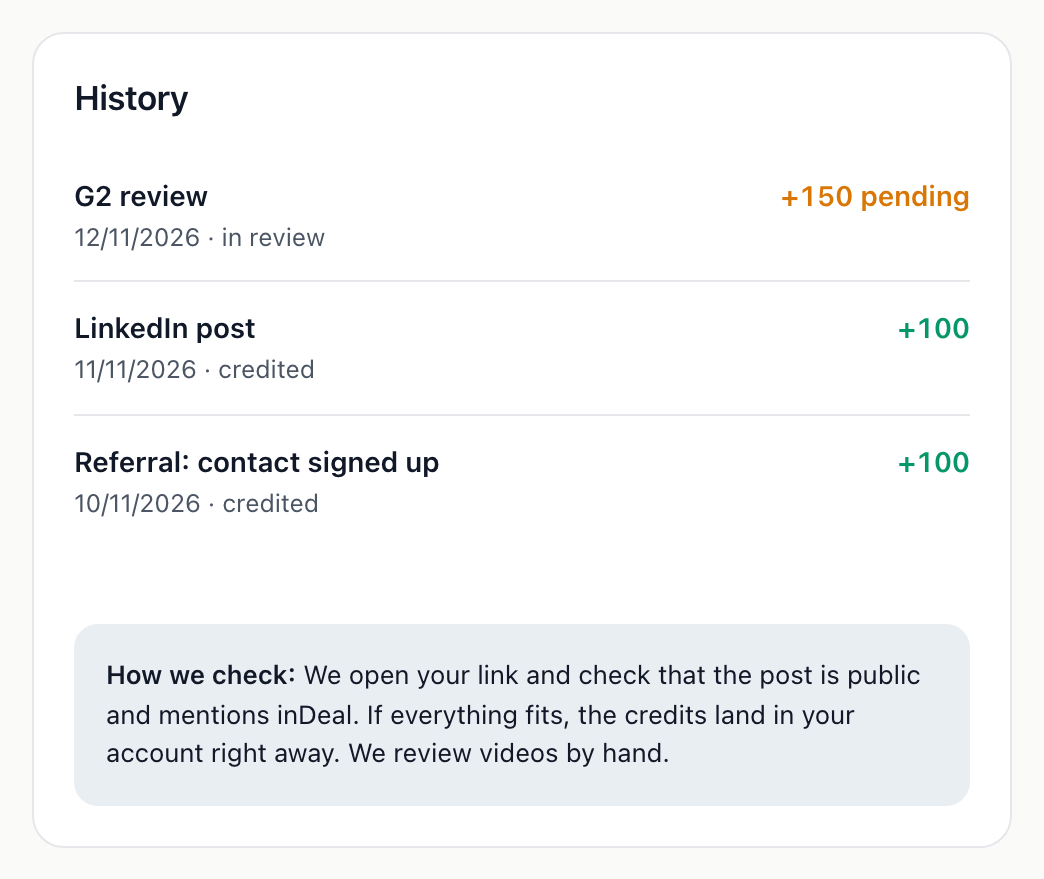
We open your link and check that the post is public, mentions inDeal and matches the selected platform. If everything fits, the credits usually land in your account within minutes. Our team reviews videos and unclear cases by hand. This also applies when a platform like LinkedIn or G2 blocks our check: the submission then stays In review until we have looked at it. A screenshot helps us.
The History at the bottom of the page lists every submission and every referral credit with date and status. If something is rejected, the reason is shown there.
As soon as credits are added, you see a notice in inDeal and get a short email.
Where the credits go
Free credits go into the Purchased pot and never expire. In the history under Plans & Billing ↗ they appear with the category Free credits. How the two pots work is explained in Credits and usage.